> ## Documentation Index
> Fetch the complete documentation index at: https://koreai-apis.mintlify.site/llms.txt
> Use this file to discover all available pages before exploring further.
# dotCMS Connector
[Back to Search AI connectors list](/ai-for-service/searchai/content-sources#supported-connectors)
dotCMS is a content management system designed for managing documentation. The dotCMS Connector integrates Search AI with your dotCMS instance to ingest content and use it to answer user queries.
| Specification | Details |
| --------------------- | ------------------ |
| Repository type | Cloud / On-Premise |
| Supported API version | v1 |
| Supported content | Files |
## Prerequisites
Search AI uses Basic Auth to connect to dotCMS. You need dotCMS user credentials with permissions to access the required resources.
## Configure the dotCMS Connector
### Authorization
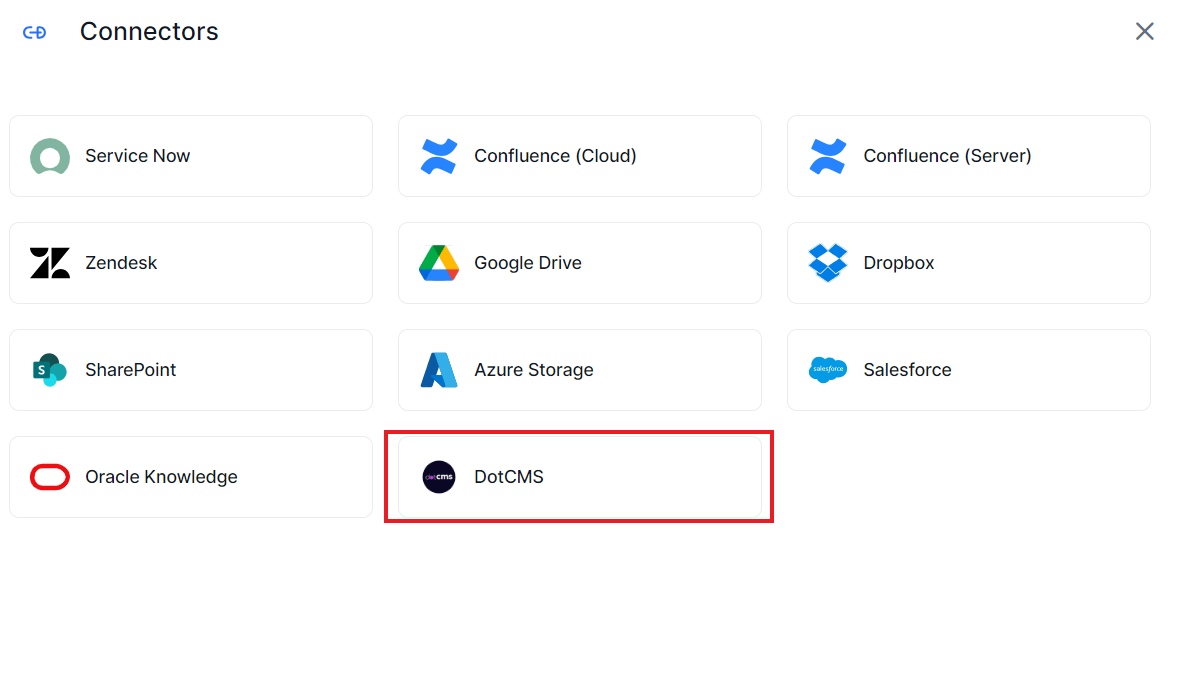
Go to **Content > Connectors** and select **DotCMS**.
 On the **Authorization** page, enter the following fields:
| Field | Description |
| ------------ | ----------------------------- |
| **Name** | Unique name for the connector |
| **Host URL** | URL of the dotCMS application |
| **Username** | dotCMS credentials |
| **Password** | dotCMS credentials |
On the **Authorization** page, enter the following fields:
| Field | Description |
| ------------ | ----------------------------- |
| **Name** | Unique name for the connector |
| **Host URL** | URL of the dotCMS application |
| **Username** | dotCMS credentials |
| **Password** | dotCMS credentials |
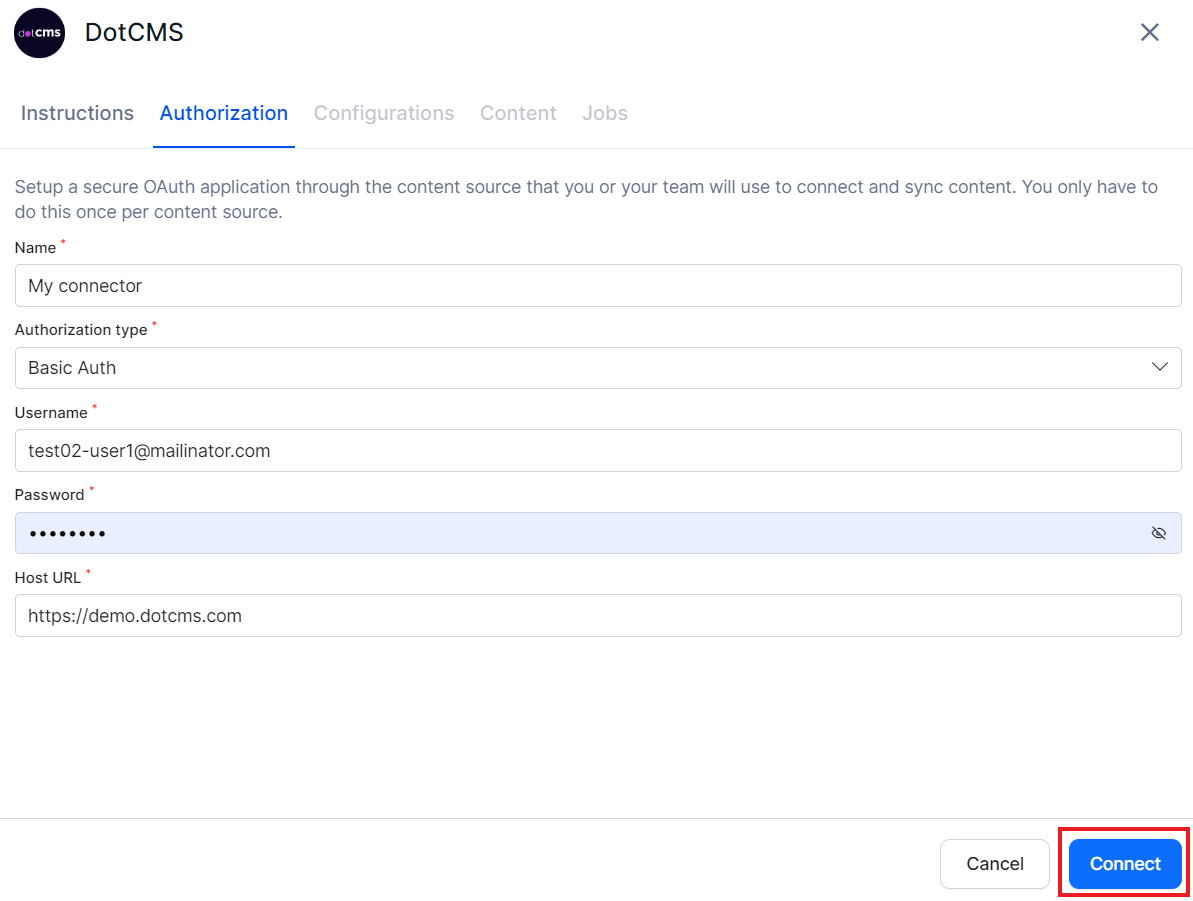 Click **Connect** to initiate authorization. Once complete, you can select content to ingest and initiate synchronization.
## Content Ingestion
Go to the **Configuration** tab and select the content to ingest. You can sync all content from the dotCMS account or select specific content.
### Content Filters
To selectively ingest content, select **Sync Specific Content** and click **Configure**. Define rules using a parameter, operator, and value.
Click **Connect** to initiate authorization. Once complete, you can select content to ingest and initiate synchronization.
## Content Ingestion
Go to the **Configuration** tab and select the content to ingest. You can sync all content from the dotCMS account or select specific content.
### Content Filters
To selectively ingest content, select **Sync Specific Content** and click **Configure**. Define rules using a parameter, operator, and value.
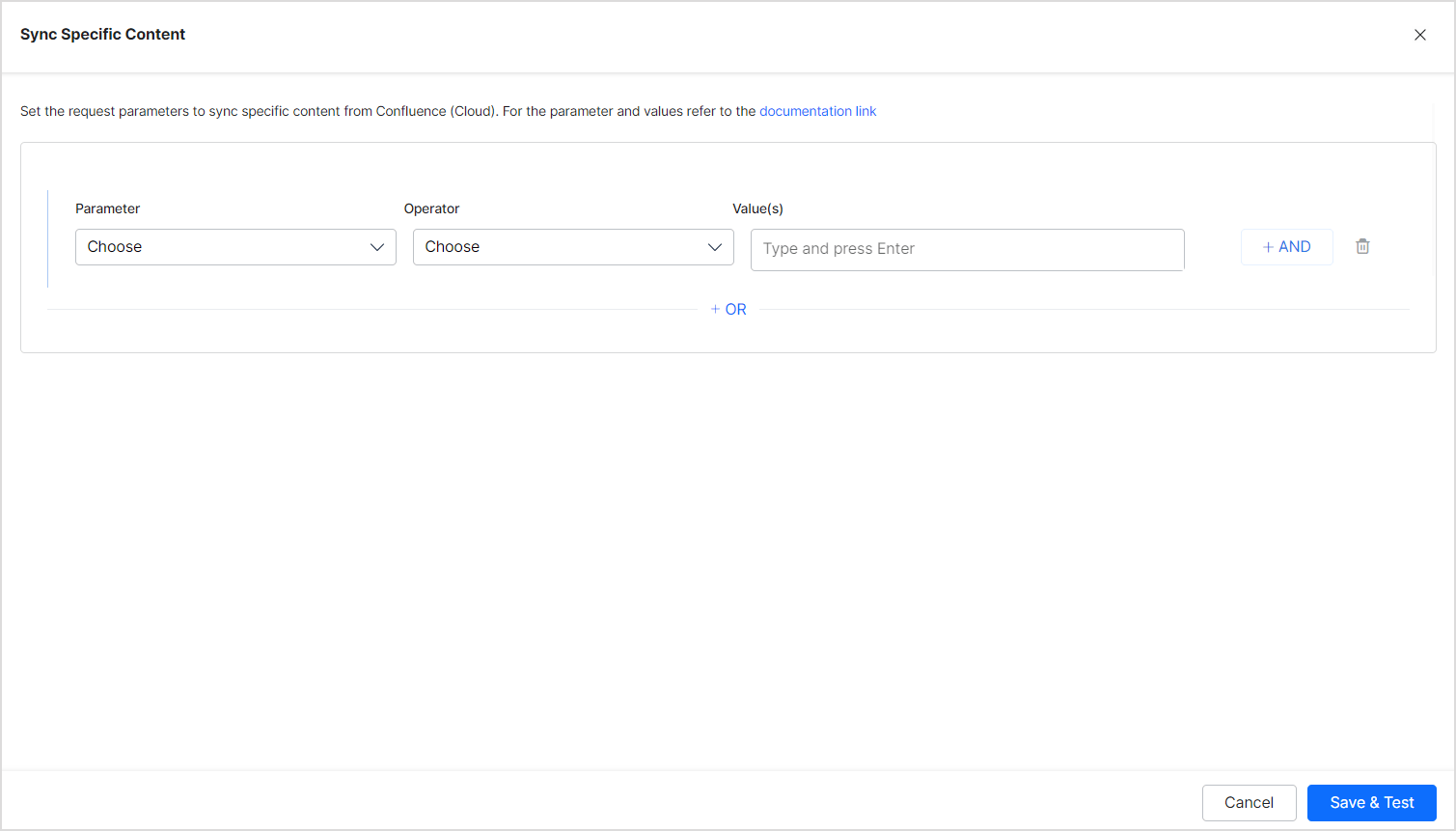 Supported filter parameters (based on [dotCMS System Properties](https://www.dotcms.com/docs/latest/how-content-is-mapped-to-elasticsearch#SystemProperties)):
| Parameter | Description |
| ---------------- | ---------------------------------------------------------------------------------------------------------------------------------------------- |
| **Base Type** | Base content type in dotCMS. Refer to [dotCMS base content types](https://www.dotcms.com/docs/latest/base-content-types) for supported values. |
| **Content Type** | Variable name for the Content Type defined for your content |
| **Locked** | Whether the content is locked. Use `true` or `false`. |
| **Live** | Whether the content is published. Use `true` or `false`. |
| **Language ID** | Language ID defined by dotCMS for language-specific ingestion |
You can also add any other System Properties defined for your dotCMS content.
The Operator field accepts values such as equals, not equal, and contains, depending on the selected parameter.
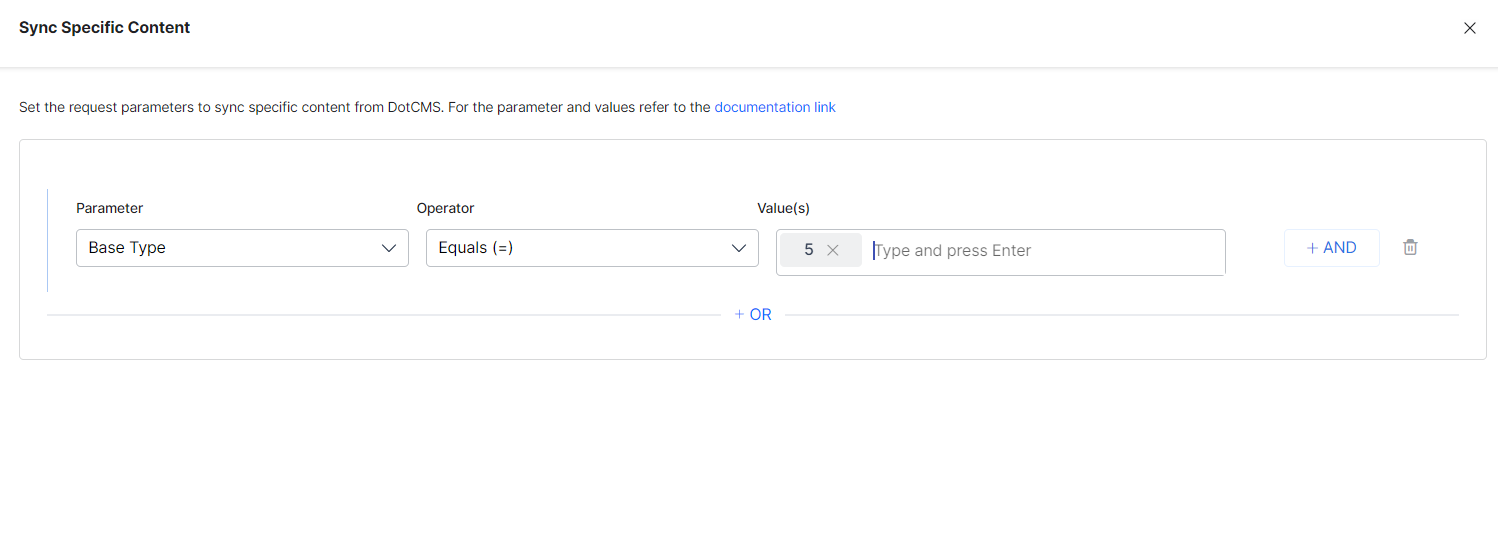
**Example:** Ingest all content with Base Type set to "Page":
Supported filter parameters (based on [dotCMS System Properties](https://www.dotcms.com/docs/latest/how-content-is-mapped-to-elasticsearch#SystemProperties)):
| Parameter | Description |
| ---------------- | ---------------------------------------------------------------------------------------------------------------------------------------------- |
| **Base Type** | Base content type in dotCMS. Refer to [dotCMS base content types](https://www.dotcms.com/docs/latest/base-content-types) for supported values. |
| **Content Type** | Variable name for the Content Type defined for your content |
| **Locked** | Whether the content is locked. Use `true` or `false`. |
| **Live** | Whether the content is published. Use `true` or `false`. |
| **Language ID** | Language ID defined by dotCMS for language-specific ingestion |
You can also add any other System Properties defined for your dotCMS content.
The Operator field accepts values such as equals, not equal, and contains, depending on the selected parameter.
**Example:** Ingest all content with Base Type set to "Page":
 **Example:** Ingest only live pages in a specific language:
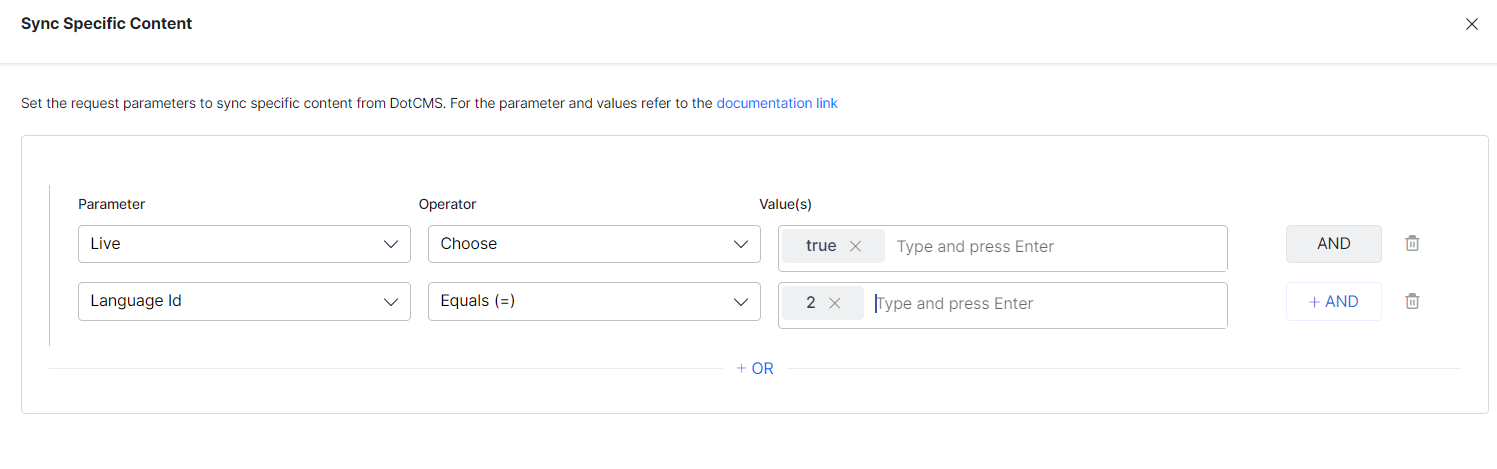 * Use the **OR** operator to combine multiple rules for different content types.
* Use the **AND** operator within a rule to apply multiple conditions.
* You can use other System Properties defined by dotCMS to add rules. The parameters listed above are commonly used defaults.
* Ensure property names and values exactly match the expected values in dotCMS. Refer to [dotCMS System Properties documentation](https://www.dotcms.com/docs/latest/how-content-is-mapped-to-elasticsearch#SystemProperties) for details.
## Content Sync Schedule
**Manual sync** — Click **Sync Now** to immediately ingest all updates from the dotCMS account.
* Use the **OR** operator to combine multiple rules for different content types.
* Use the **AND** operator within a rule to apply multiple conditions.
* You can use other System Properties defined by dotCMS to add rules. The parameters listed above are commonly used defaults.
* Ensure property names and values exactly match the expected values in dotCMS. Refer to [dotCMS System Properties documentation](https://www.dotcms.com/docs/latest/how-content-is-mapped-to-elasticsearch#SystemProperties) for details.
## Content Sync Schedule
**Manual sync** — Click **Sync Now** to immediately ingest all updates from the dotCMS account.
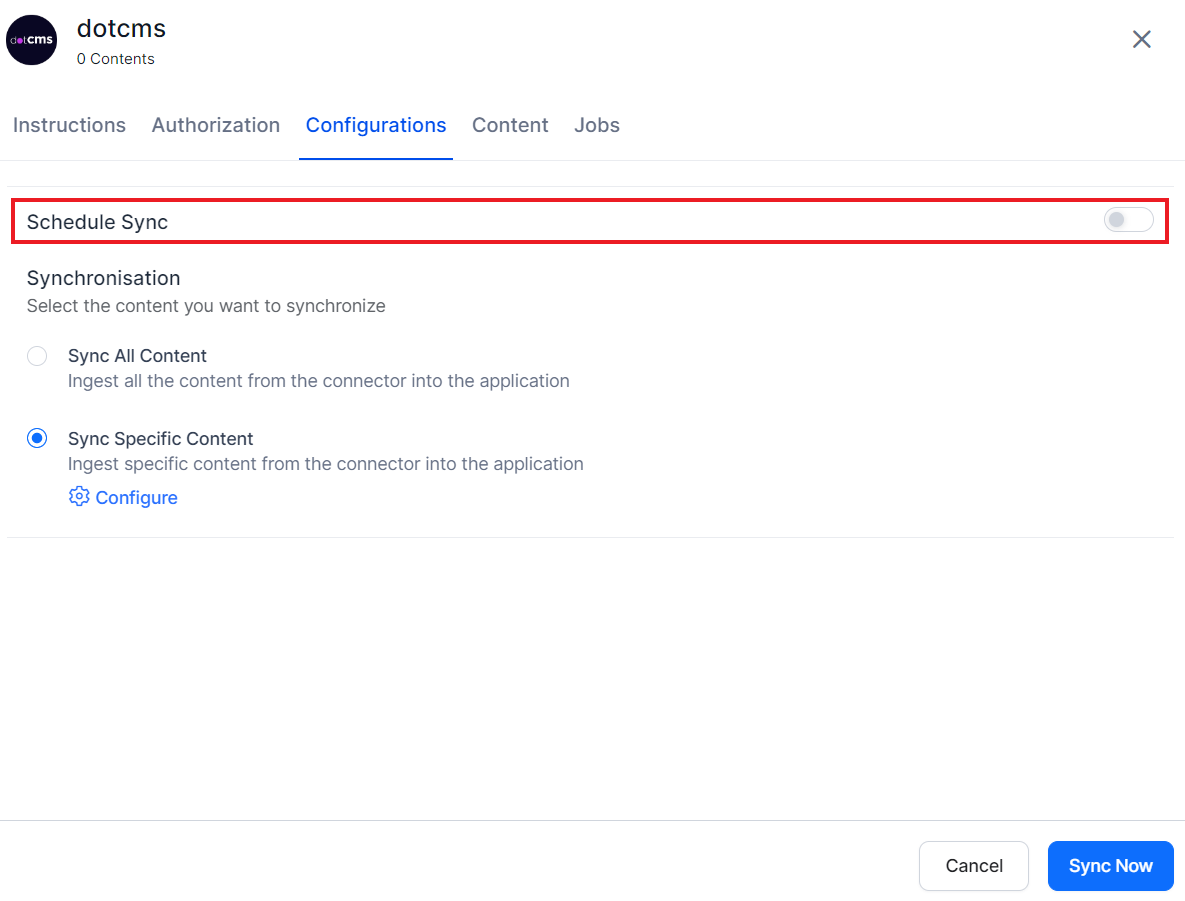
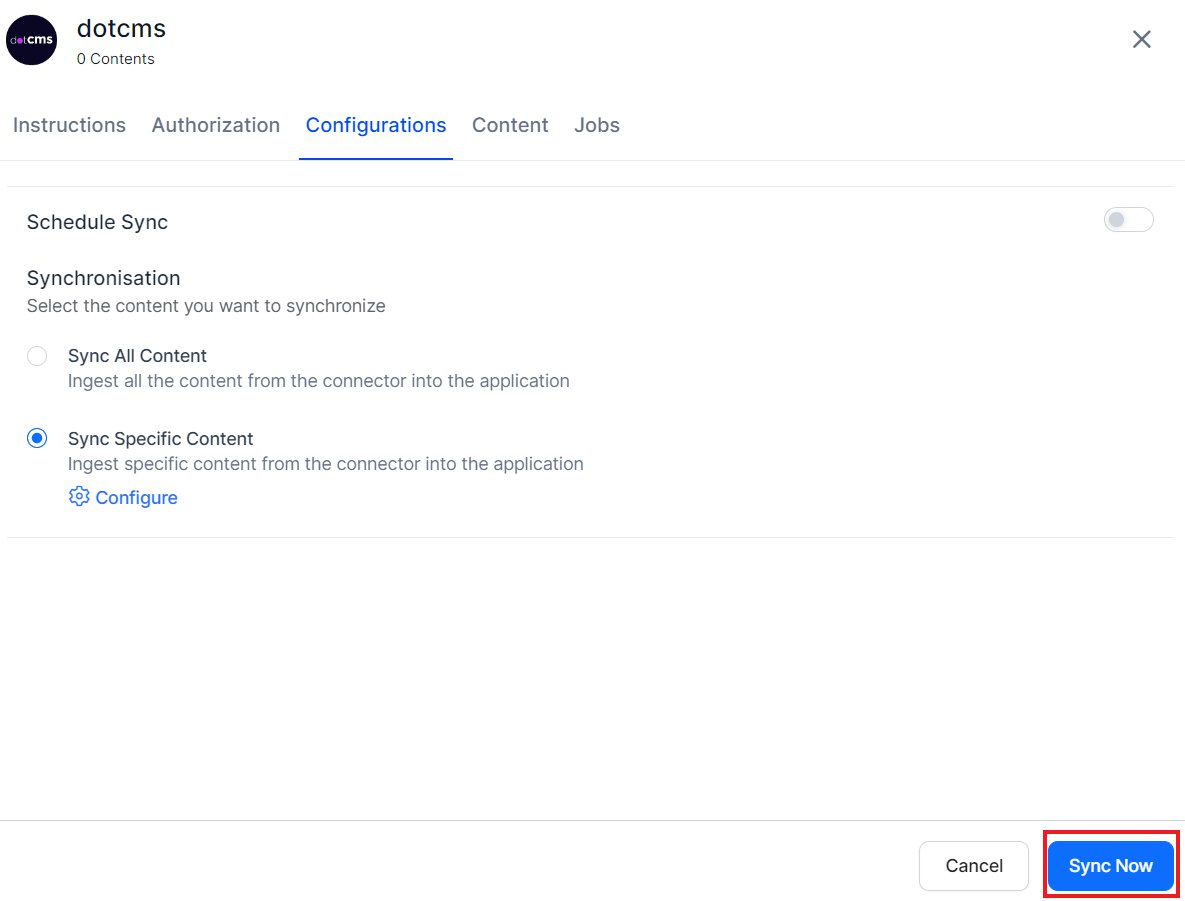 **Scheduled sync** — Enable **Schedule Sync** and set the date, time, and frequency to keep content automatically up to date.